 Free Games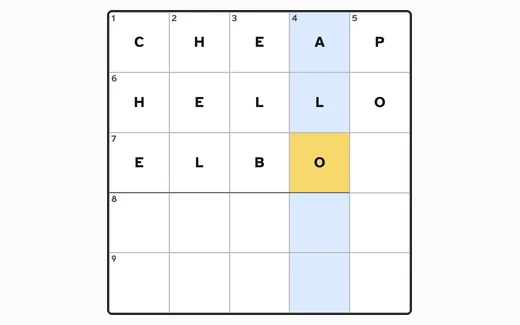
What the six ask of you
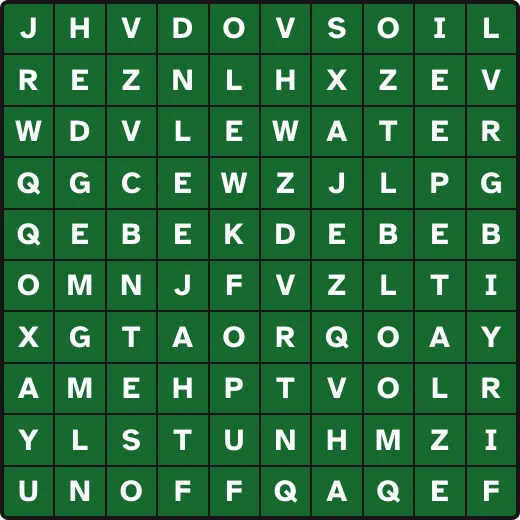
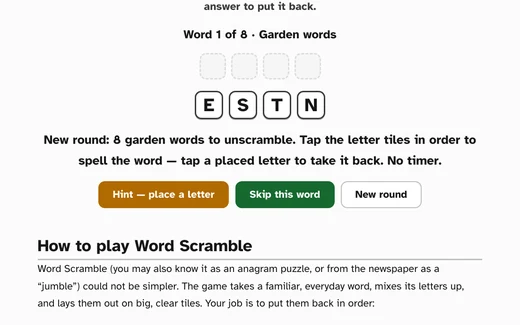
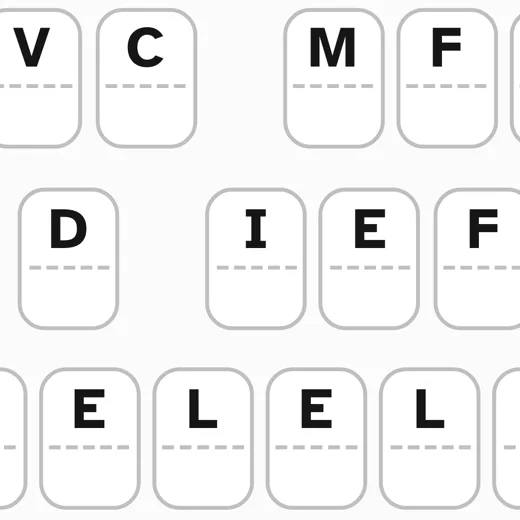
Word Search and Word Scramble put the answer in front of you. The word search sets a themed list beside the grid (In the Garden, In the Kitchen, Classic Movies, Garden Birds, At the Seaside, Making Music), and the work is spotting those words among the letters. Word Scramble takes one everyday word at a time, lays its letters out on tiles in the wrong order, and asks you to put them back; a round is eight words. Neither asks you to dredge anything up from memory.
The Mini Crossword sits in the middle. The grids are five squares by five, so a puzzle is a handful of short answers rather than an afternoon, and the clues describe a thing plainly instead of punning on it. Every square belongs to an across word and a down word at once, so an answer you are sure of hands free letters to the words crossing it. There are thirty-three grids.
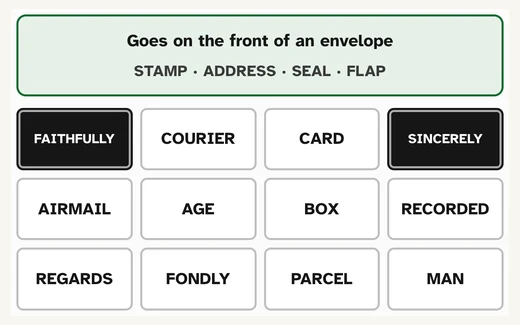
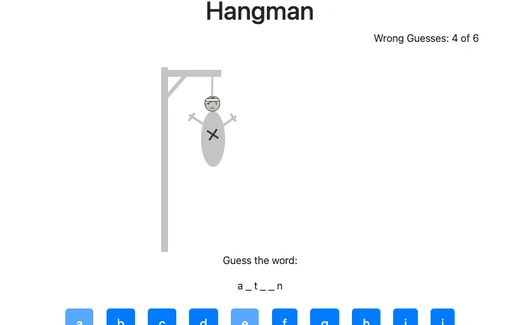
Word Groups, Hangman and the Cryptogram ask you to supply what is not shown. Word Groups puts up sixteen words that sort into four groups of four, and the whole puzzle is working out what each connection is; you may guess as often as you like, and when four of your picks contain three from one group it tells you so. There are fourteen of them. Hangman gives you the length of the word and fills in letters as you name them. Wrong letters are counted, and six of them ends the round. The Cryptogram shows a well known saying with every letter swapped for another, and you work out the swap by tapping a coded letter and then the letter you think it stands for.
The first minute in each
In Word Search, click the first letter of a word and then its last. If the straight line between them spells something on the list, it is marked in the grid and struck off the list. Click the same letter twice to cancel and start again. The arrow keys move between letters, Enter or the space bar chooses one, and Escape clears a selection. Words run across, downwards and diagonally; on the largest grid they can also read backwards.
In the Mini Crossword, tapping a square puts you on its across word, and tapping the same square again switches you to the down word. That one habit is most of what puzzles people at the start. The clue for whichever word you are on sits in the bar above the grid, letters go in from the big keys underneath or from your own keyboard, and Check my puzzle outlines the wrong letters in red without disturbing anything else you have done.
In Word Scramble you tap tiles in order to fill the answer above them, tap a placed letter to send it back down, and the game checks the word itself once the last box is filled. In Word Groups you choose four words and press Check these four; Shuffle rearranges the sixteen, which is often enough to make a group visible. In Hangman the alphabet sits under the word: click a letter and it drops into every place it belongs, or it counts against your six.
Two clicks instead of a dragged line
Most word searches on the web want a button held down and a line pulled across the grid without slipping. On a laptop trackpad that is fiddly, and one wobble costs the whole word. Here it is two separate presses instead, and neither of them has to be held. The crossword squares, the letter tiles and the sixteen words all behave the same way.
Text size and contrast are set from the Text size button at the top right of the page, the one marked Aa. It opens a small panel: bigger, smaller, reset, and high contrast, which switches to black text on white and puts a black outline round every button and card. The browser keeps the choice, so the next puzzle and the next visit open the way you left them. The type is large to begin with.
Hangman is the exception. It is one of the open-source games hosted here rather than one built for the site, and it runs in a frame with its own fixed layout, so the text-size and contrast controls do not reach inside it. Its page says as much in an “About this version” note.
When the word will not come
Five of the six have a Hint button, there is no limit on pressing it, and it is meant to explain rather than to end the puzzle. In Word Search the first press highlights the first letter of a word you have not found, names the word, says which way it reads (across, downwards, or diagonally down and to the right) and how many squares along its last letter sits, so the finding is still yours. Press it again on the same word and it shows you the whole thing.
Word Groups helps in three stages: it names one of the connections still to find, then highlights two words that belong to it, then all four. The Mini Crossword fills one square and tells you which letter of which numbered word it is and what that word means. Word Scramble places the next correct letter and says how much of the word is showing now; Skip this word gives the answer and moves on to the next one. The Cryptogram fills in one letter and says why it was a good guess.
Nothing in these is scored or kept, so a hint costs nothing and there is no sense in rationing them. Hangman is the exception again: it has no hint at all, it counts wrong letters, and six of them ends the round, with Reset starting a fresh word straight away. The crossword keeps the letters you have filled in your own browser, so you can shut the page and come back to the same grid; none of it goes anywhere else.